

Your website is not a digital brochure. It never was. Yet most small business owners build one as if it were, then wonder why visitors leave without buying, calling, or even making contact. Understanding what is a business website essential feature means recognizing that your site is your hardest-working salesperson, available around the clock, judged within seconds, and either earning trust or losing it. This guide breaks down every must-have website feature for businesses in 2026, with the specificity you need to make real decisions, not just nod along at a checklist.
Table of Contents
- Key Takeaways
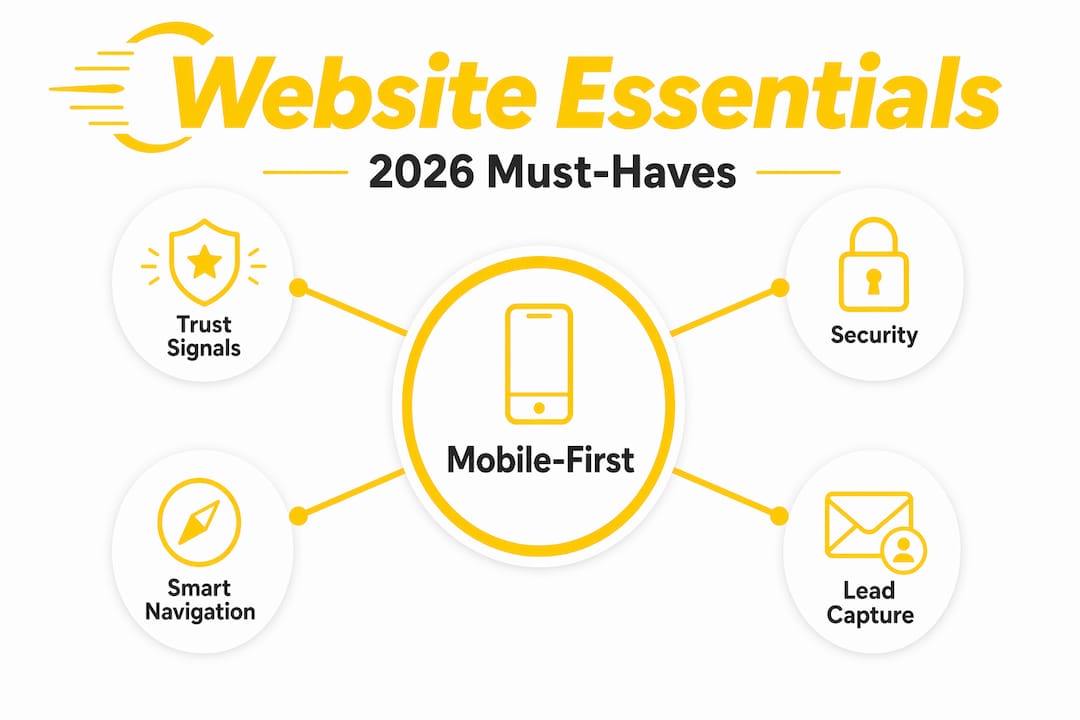
- Mobile-first design and smart navigation
- Brand identity, trust signals, and calls to action
- Website security essentials
- Content strategy and lead capture
- Performance, analytics, and maintenance
- My honest take on what most business owners get wrong
- How Fastindysites builds sites that actually work for you
- FAQ
Key Takeaways
| Point | Details |
|---|---|
| Mobile-first is non-negotiable | Over half of all web traffic is mobile, so your design must prioritize the phone experience above all else. |
| Trust signals drive conversions | Testimonials, a custom domain, and visible contact info work together to turn skeptical visitors into paying customers. |
| Security is layered, not one-time | SSL alone is not enough. A WAF, MFA, and regular patching form the real security foundation your site needs. |
| Content and lead capture work together | Quality content attracts visitors, but strategically placed forms and calls to action convert them into revenue. |
| Speed and analytics sustain growth | Fast load times protect your search rankings, while analytics tell you what is working and what needs fixing. |
Mobile-first design and smart navigation
Mobile traffic exceeds 50% of all web traffic as of 2026. That means if your site is designed for a desktop first, you are already losing more than half your audience before they read a single word. Mobile-first design flips the process. You build the smallest, most focused version of your site first, then scale up to larger screens. The result is a faster, cleaner experience for the people most likely to find you.
Responsive design is the technical backbone of this approach. It uses flexible grids and media queries so your layout, images, and text automatically adjust to any screen size. A visitor on a phone sees a single-column layout with large tap targets. A visitor on a laptop sees the same content arranged for wider viewing. No pinching, no horizontal scrolling, no frustration.
Navigation is where many small business sites quietly fail. Here are the most common mistakes that drive visitors away:
- Hidden hamburger menus with too many nested levels
- Dropdown menus that require hover actions, which do not work on touchscreens
- Key pages buried three or four clicks deep
- No search function on sites with more than ten pages
- Footer navigation that duplicates the header but adds nothing useful
Your main menu should have five to seven items at most. Every critical page, your services, your contact form, your about page, should be reachable in two clicks or fewer. Think of navigation as a promise to your visitor. You are telling them, "Finding what you need here will not be a struggle."
Pro Tip: Test your site on an actual phone, not just a browser simulator. Tap every button, fill out every form, and time how long it takes to find your phone number. What feels obvious on a desktop is often invisible on a small screen.
Brand identity, trust signals, and calls to action
A visitor lands on your site and makes a judgment in under three seconds. That judgment is almost entirely visual and emotional. Does this look professional? Does this feel trustworthy? Does this seem like a real business? The key components of a business website that answer those questions are branding, trust signals, and clear direction.

Start with your domain name. A custom domain like www.yourbusiness.com signals professionalism immediately. A free subdomain from a website builder, something like yourbusiness.wixsite.com, tells visitors you did not invest in your own online presence. That perception is hard to overcome, no matter how good your content is.
Your logo, color palette, and tone of voice should be consistent across every page. Inconsistency creates subconscious doubt. If your homepage feels polished but your contact page looks like it was built by someone else, visitors notice. They may not articulate why they left, but inconsistency is often the reason.
"Websites displaying reviews can see a 270% increase in conversion rate, according to Northwestern University."
That number is not a coincidence. Social proof works because people trust other people more than they trust businesses. Display real customer testimonials with names and photos when possible. If you have Google reviews, embed them or link to them directly.
Contact info in your header and footer is not optional. Your phone number, email, and physical address if applicable should appear on every single page without requiring a scroll. Visitors who cannot find your contact information within seconds will leave rather than search.
Calls to action are the final piece. Every page needs one clear next step. Not three options, not a vague "learn more," but a specific direction:
- "Call us for a free quote"
- "Book your appointment today"
- "Order online now"
CTAs like click-to-call buttons and prominent contact forms are among the highest-converting elements on any local business site. Place them above the fold on your homepage and at the natural end of every service description.
Pro Tip: Use contrasting button colors for your primary CTA. If your site uses blue and white, an orange or green button will draw the eye without clashing. The goal is to make the next step impossible to miss.
Website security essentials
Security is where many small business owners feel the most overwhelmed, and where the consequences of neglect are most severe. The effective business website characteristics that protect your visitors also protect your reputation and your search rankings. Here is what the security stack actually looks like in practice.
- SSL/TLS certificate. This encrypts data between your site and your visitors. Browsers flag sites without it as "Not Secure," which kills trust instantly. Most hosting providers include SSL free, so there is no excuse for skipping it.
- Web Application Firewall (WAF). A WAF filters malicious traffic and blocks common attacks like SQL injection and bot scraping. Think of SSL as locking your front door and a WAF as having a security guard checking IDs.
- Multi-factor authentication (MFA). Every admin account on your site should require a second verification step. A stolen password alone should not be enough to compromise your site.
- Regular patching and updates. Security is not a set-it-and-forget-it process. Outdated plugins, themes, and CMS versions are the most common entry points for attackers.
- Malware scanning and CDN. Automated scans catch threats before they cause damage. A Content Delivery Network adds both speed and an additional layer of protection against distributed attacks.
| Security Layer | What It Does | Priority |
|---|---|---|
| SSL/TLS certificate | Encrypts data in transit | Critical |
| Web Application Firewall | Blocks malicious requests | High |
| Multi-factor authentication | Protects admin access | High |
| Regular patching | Closes known vulnerabilities | High |
| Malware scanning | Detects threats early | Medium |
Pro Tip: Ask your hosting provider specifically whether they include a WAF and automated malware scanning. Many budget hosts do not. Paying a few dollars more per month for managed security is far cheaper than recovering from a breach.
Content strategy and lead capture
Good content does two jobs at once. It attracts the right visitors through search, and it convinces them to take action once they arrive. The importance of website features in this area cannot be overstated because content is what separates a site that generates leads from one that simply exists.
Quality matters more than quantity. One well-written service page that answers every question a potential customer might have will outperform ten thin pages every time. Cover what you do, who you serve, what makes you different, and what the visitor should do next. Use plain language. Avoid jargon unless your audience expects it.
Diversify your media. Analytics and content marketing together improve both SEO performance and visitor trust. A short explainer video on your homepage, a photo gallery of your work, or a simple FAQ section can dramatically increase the time visitors spend on your site. More time on site generally means more conversions.
Lead capture forms should be placed where visitors are most engaged:
- At the end of a detailed service description
- On a dedicated "Get a Quote" page linked from the main navigation
- As a pop-up triggered after 60 seconds or when a visitor attempts to leave
- In the sidebar of your most-visited blog posts
Keep forms short. Name, email, and one qualifying question is usually enough to start a conversation. Every additional field reduces completion rates.
Pro Tip: Offer something specific in exchange for contact information. "Download our free menu guide" or "Get a free 15-minute consultation" converts far better than a generic "Contact us" form with no clear benefit to the visitor.
Performance, analytics, and maintenance
Page speed is a direct ranking factor for Google and a primary driver of visitor satisfaction. A site that loads in one second converts three times better than one that loads in five seconds. That gap is real money for a small business.
The core levers for speed are:
- Image compression. Unoptimized images are the single most common cause of slow load times. Use WebP format and compress before uploading.
- Caching. Serve stored versions of your pages to repeat visitors instead of rebuilding them from scratch each time.
- Hosting quality. Shared hosting on an overloaded server will cap your speed no matter how well-optimized your code is. Consider managed hosting or a VPS for high-traffic sites.
- Minimizing scripts. Every third-party plugin or tracking script adds load time. Audit your scripts quarterly and remove anything you do not actively use.
Analytics give you the data to make smart decisions. Without tracking, you are guessing. With it, you can see which pages drive the most leads, where visitors drop off, and which traffic sources are actually worth your time. Google Analytics 4 is free and covers the core metrics most small businesses need.
Maintenance is the ongoing work that keeps everything running. Update your CMS, plugins, and themes monthly. Review your content quarterly to remove outdated information. Check your forms and CTAs regularly to confirm they are working. A neglected site loses ground slowly and then suddenly.
My honest take on what most business owners get wrong
I have worked with enough small businesses to see the same pattern repeat. The owner spends weeks agonizing over logo colors and font choices, then launches a site with no SSL, a contact form that goes to a spam folder, and a homepage that takes eight seconds to load on a phone. The branding looks great in screenshots. It fails in the real world.
The misconception I keep running into is that a website is something you build once and move on from. In my experience, the businesses that treat their site as a living tool, updating it, testing it, and measuring it, consistently outperform those that treat it as a one-time project. The gap compounds over time.
What I have found actually works is starting with the basics done right. Fast load times, visible contact information, a real SSL certificate, and one clear call to action on every page. Those four things alone will put you ahead of the majority of local competitors. The fancy features come later, once the foundation is solid.
The real cost of neglecting these core functionalities of a business site is not just lost visitors. It is lost trust, lost rankings, and eventually lost revenue. Treat your website like the sales tool it actually is, and it will pay you back.
— Shariff
How Fastindysites builds sites that actually work for you
If reading through this list felt overwhelming, that is a normal reaction. Most small business owners did not start their business to become web developers. That is exactly the problem Fastindysites was built to solve.
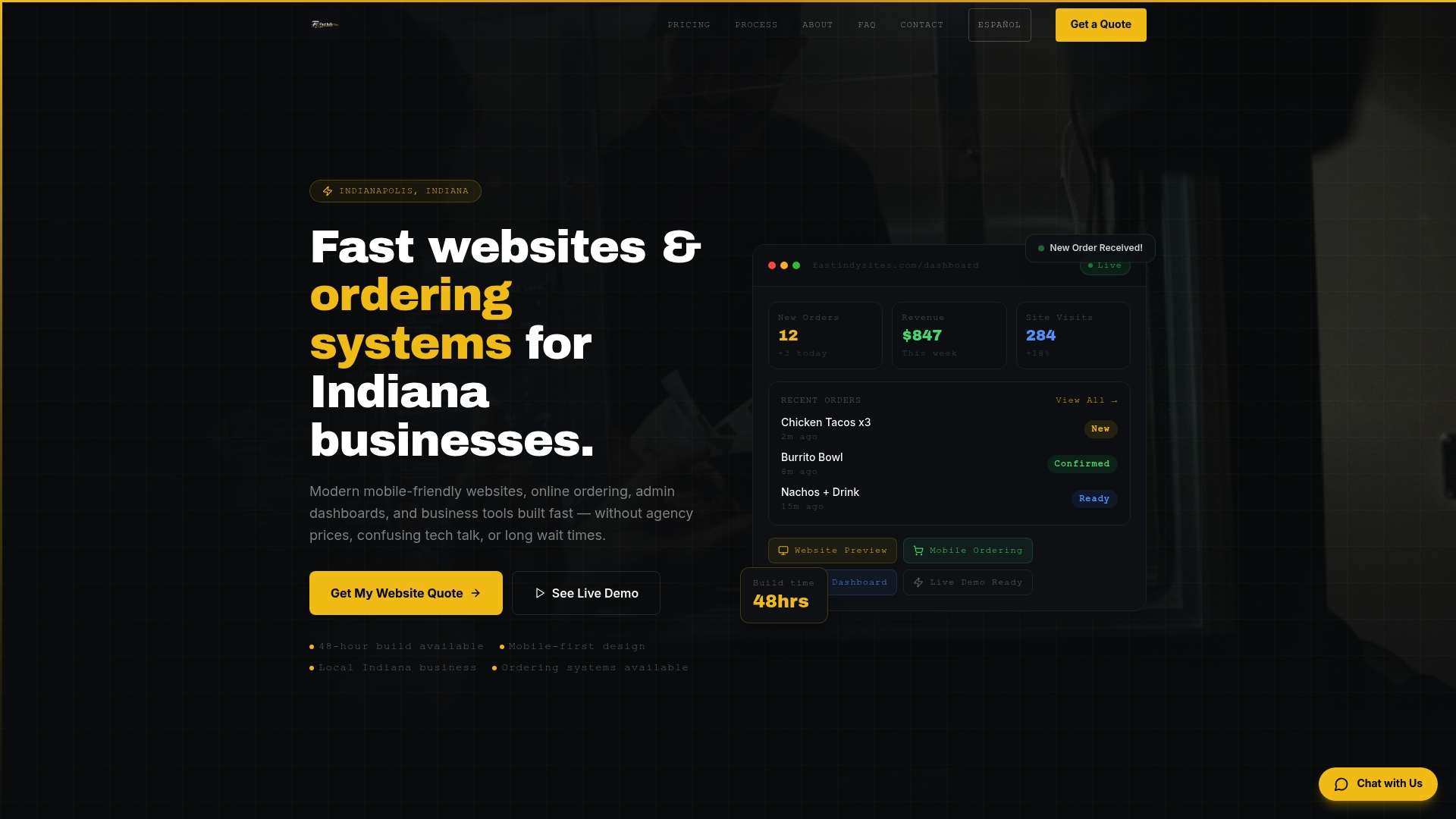
Fastindysites builds modern, mobile-first websites for Indiana small businesses in 48 hours, with SSL, speed optimization, and lead capture built in from the start. No months-long development timelines, no surprise fees, and no technical knowledge required on your end. Restaurants, food trucks, and local service businesses get easy-to-manage dashboards so you can update your content in real time without calling a developer. If you are ready to stop guessing and start with a site that has every critical website feature working from day one, Fastindysites is built for exactly that. You can also explore lead generation options tailored to your business goals.
FAQ
What is the most important feature of a business website?
Mobile-first responsive design is the single most critical feature because over 50% of web traffic comes from mobile devices, and a poor mobile experience drives visitors away before they ever see your offer.
How does SSL affect my business website?
SSL encrypts data between your site and visitors and prevents browsers from flagging your site as "Not Secure." Without it, you lose both visitor trust and search engine rankings.
What should a business website call to action include?
A strong CTA should state a specific action, such as "Call for a free quote" or "Book now," and be placed prominently on every page so visitors always know their next step.
How often should a business website be updated?
Update plugins and security patches monthly, review content quarterly, and audit your site's performance and lead capture tools at least twice a year to stay competitive.
Do customer reviews really impact website conversions?
Yes. Research from Northwestern University found that displaying reviews can increase conversion rates by up to 270%, making testimonials one of the highest-return elements you can add to any business site.